
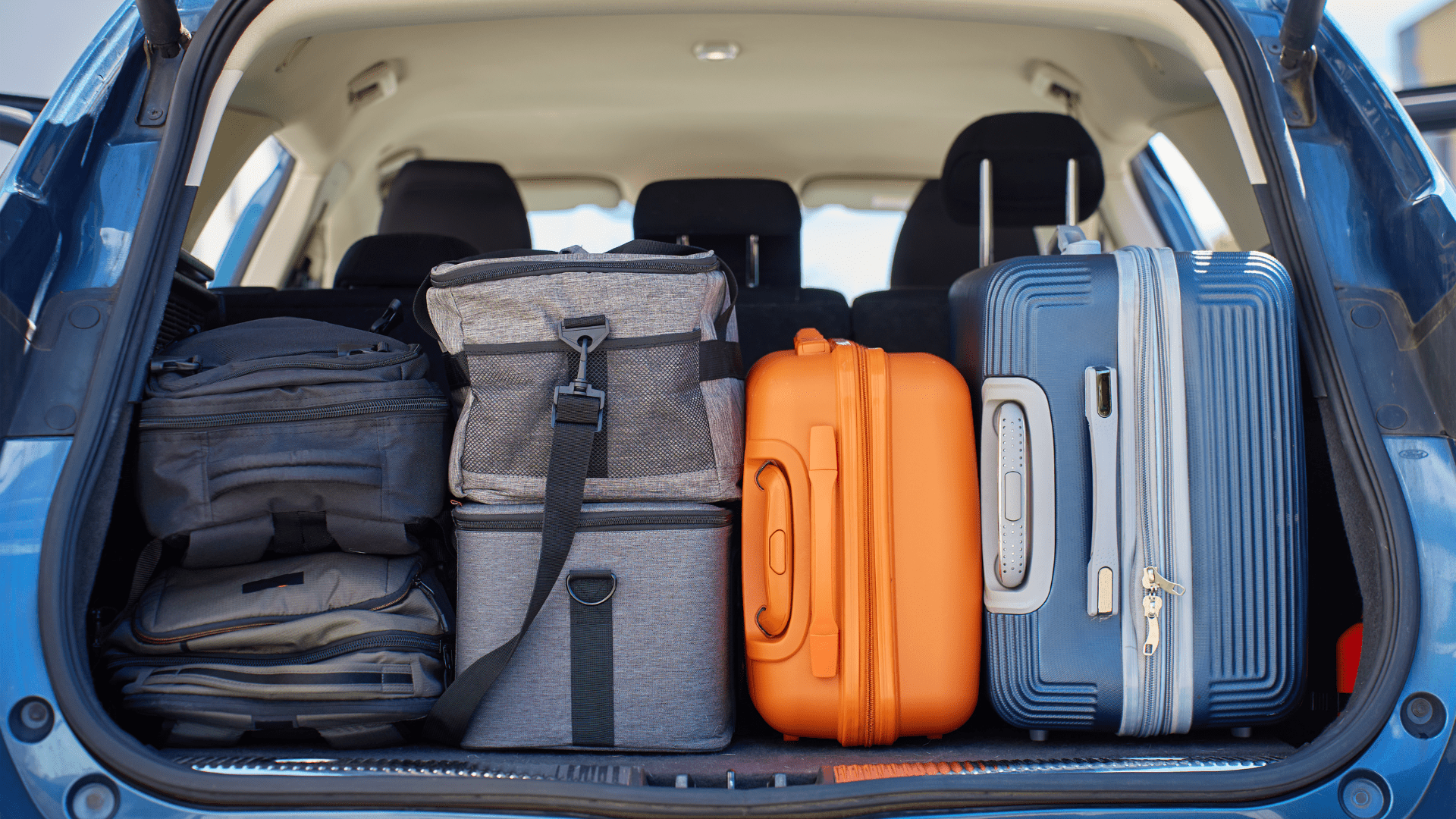
Spring trips are supposed to be a break. But for a lot of people, there's a low hum of worry that follows them the whole way: the gun safe back home, the medicine cabinet, the garage full of tools. Things you can't throw in a suitcase.
Kini was built for exactly that feeling. It's a small Wi-Fi tamper alert device that sits on, inside, or next to whatever you want to watch. The moment it's physically moved or disturbed, you get an alert via SMS, email, or push notification, within seconds. No cameras. No subscriptions. No complicated setup.
Here's how to put it to work this spring, whether you're heading out for a weekend or a few weeks.
Keeping Watch Back at Home
When you leave for a trip, Kini stays connected to your home Wi-Fi and keeps sending alerts to your phone wherever you are, as long as you have cellular or data.
That covers a lot of ground. Gun safes. Medicine cabinets. The jewelry you didn't pack. The garage full of tools, the bikes in the shed, the camera bag in the closet. Anything you care about and can't watch yourself.
🔒
Gun safe
Know the instant anyone opens or moves it, even if you're across the country.
💊
Medicine cabinet
Get alerted if someone accesses prescriptions or supplements while you're away.
💍
Jewelry & valuables
Place Kini in a safe or jewelry box and know if it's opened.
🔧
Tools & gear
Garages, sheds, and storage units. Protect what's expensive to replace.
"I'm in Florida for the winter. Kini is home watching my jewelry safe. That's all I need." Mare, Kinisium customer
One thing worth noting: Kini is a tamper alert, not a motion sensor. It uses accelerometers to detect when the device itself is physically disturbed. It won't ping you every time someone walks past. It only triggers when something is actually touched or moved. That distinction matters when you want real alerts, not false alarms.
Taking Kini With You: The Mobile Hotspot Trick
Here's the part most people don't think about. Kini works over Wi-Fi, which means it works over any Wi-Fi, including a mobile hotspot from your phone or a portable travel router.
That opens up a whole other use case: bringing Kini with you to protect where you're staying.
How it works: Kini connects to whatever Wi-Fi network you point it at. On the road, turn on your phone's hotspot, connect Kini to it, and you're set. Kini will alert you on the same phone running the hotspot with no extra hardware needed.Most Airbnbs and hotels have their own Wi-Fi too. Connect Kini to the property's network just like you'd connect a laptop, and it works the same way.
WHERE THIS COMES IN HANDY WHEN YOU'RE TRAVELING
Spring travel means unfamiliar places: vacation rentals, hotel rooms, RV parks, family guest rooms. You're not always in control of who has access. A few scenarios where Kini has people's backs:
- Your bags and valuables in an Airbnb or VRBO while you're out for the day
- A portable safe in a hotel room. You will know if it's opened or moved
- Luggage in a vacation rental with housekeeping coming through
- Camera gear, laptops, or equipment you can't take everywhere
- Medications or supplements you need to keep track of
- Anything you lock up but still want an alert on
Quick tip: Kini lets you name your devices anything you want. Set up one labeled "Home Safe" and one labeled "Hotel Room Bag" and you'll always know which alert is which, no matter where you are.
Setting It Up Takes About 2 Minutes
Whether you're using Kini at home or on the road, setup is fast.
Available on iOS and Android. Create your account.
At home: connect to your home network. On the road: connect to your mobile hotspot or the property's Wi-Fi.
Give it a descriptive name, adjust sensitivity if needed, and set your alert preferences.
Push notifications arrive about 2–3 seconds faster than SMS. Either way, you're alerted fast.
You can also share alerts with a spouse, family member, or anyone else who should know. Multiple people can receive the same notification from a single device, which is useful if you're traveling with a partner or want a neighbor to be looped in too.
One More Thing: Stasis Mode
Most people think of Kini as an alert when something moves. But it also works the other way: Stasis Mode sends an alert if something has not moved within a time window you set.
For caregivers heading out of town while an elderly parent stays home, this is a quiet but meaningful feature. If a medication bottle or daily-use item hasn't been touched by a certain hour, you get a check-in alert. Not surveillance. Just a gentle heads-up that something might need attention.
Travel should feel like a real break. Kini doesn't eliminate every risk, and nothing does. Knowing you'll hear about it the moment something changes? That's the difference between a trip you enjoy and one where you're running scenarios in your head the whole time.
No subscription. No camera. Rechargeable battery that lasts over a year on a single charge. Designed in California. Assembled and shipped by us
Ready to travel without the worry?
Kini works at home, on the road, and anywhere you have Wi-Fi. One device, no subscription.
Share:
Why
"My Kids Know Better"
Is Not a Plan
What Parents Don't Know About Underage Drinking (And Why the Liquor Cabinet Matters)